
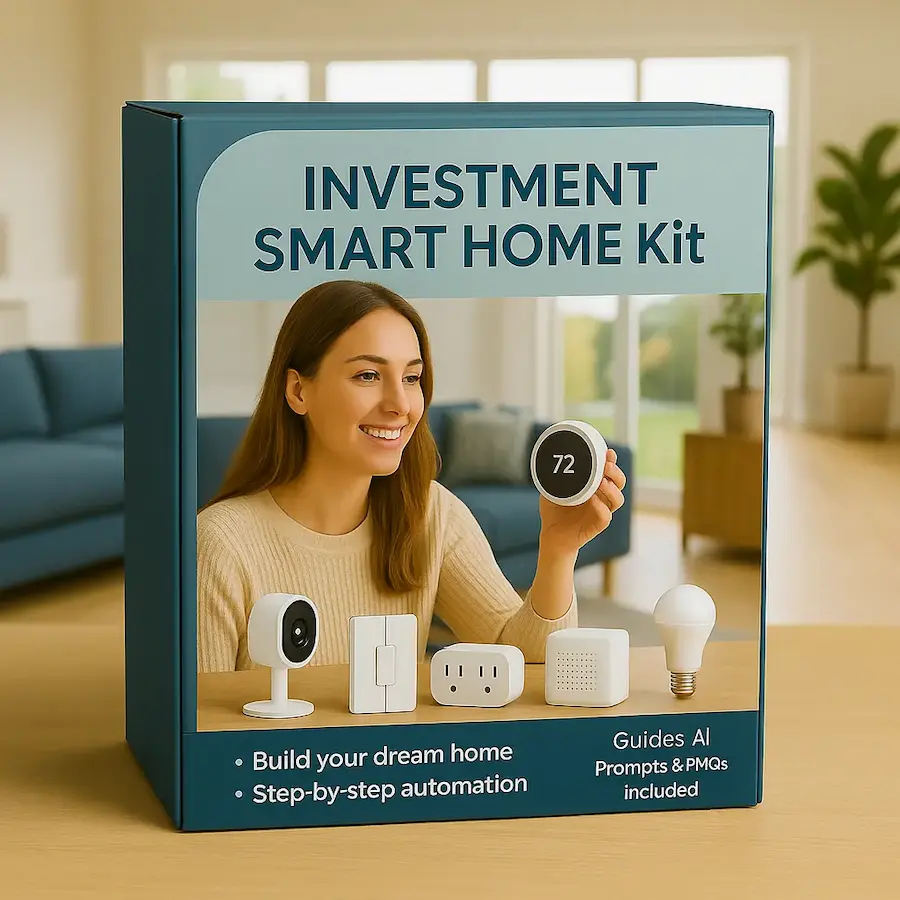
Everything You Need for Everyday Safety and Comfort
Your life is busy enough. The Smart Home Investment Kit brings together carefully selected, secure, compatible smart devices that protect your family, save you time, and create a home that takes care of itself.
Each item is handpicked to work seamlessly, right out of the box, and comes with SheSmartTech’s simple setup guides. Whether you’re just starting or expanding your smart home, this is the kit designed for real life.
Pick Your Devices - Then Make Them Work Together - Securely
At minimum, we recommend every household have some or all of these core smart home essentials. They’re the backbone of everyday safety, energy savings, and comfort.
If you’re bringing all these smart devices into your home — lights, cameras, sensors, baby monitors, plugs, tags, thermostats —
you’ll want them to talk to each other seamlessly on one platform.That’s where Matter (a universal smart home standard) and Thread (a super-reliable low-power mesh network) come in.
They let your devices work together, across brands, with one app, one voice assistant, and one secure backbone.
More Help For You
Want to use your favorite platform to control all the devices? Click here to jump down the page for our Expert Recommendation. To help you further, we’ve add PMQs and A.I. Investment Prompts below as well.
Core Items to Choose for Your Investment Kit
No products found.
No products found.
No products found.
No products found.
No products found.
No products found.
No products found.
No products found.
No products found.
No products found.
No products found.
No products found.
No products found.
Want to take it even further?
Once your Core Essentials are in place, these A La Carte upgrades let you customize your smart home for exactly how you live — adding extra convenience, security, and fun whenever you’re ready.
A La Carte Items to Enhance Your Smart Home
No products found.
No products found.
No products found.
No products found.
No products found.
No products found.
No products found.
No products found.
No products found.
No products found.
No products found.
No products found.
No products found.
No products found.
No products found.
No products found.
No products found.
No products found.
No products found.
No products found.
No products found.
Our Expert Recommendation
If you want all these smart devices to work together under one roof, we recommend:
Apple HomeKit + Thread (via HomePod mini or Apple TV 4K)
Perfect if you’re already an iPhone household. HomeKit + Thread gives rock-solid control, privacy, and automation.Amazon Alexa with a Matter & Thread border router (like the Echo 4th Gen or Echo Show 10)
Great if you’re deep in the Amazon ecosystem. Newer Echo devices support Matter and Thread.Google Home with Nest Hub Max + Matter / Thread
Ideal if you use Android or Google services. The Nest Hubs become the backbone for your smart devices.Either way, these hubs will unify all your baby monitors, plugs, cameras, trackers, lights, sensors, and wellness tech into one secure smart home app with voice control.
We Help You with Yourt PMQs (Protect & Maintain Quest)
PMQs stands for Protect & Maintain Quest — your smart home’s personalized roadmap for staying secure, efficient, and beautifully automated.
It’s a set of simple, high-impact tasks you can run (often with a little AI help) to:
Protect your family and data by regularly checking smart home security, passwords, updates, and settings.
Maintain comfort, energy savings, and peace of mind by optimizing automations and routines.
Think of it as your smart home’s “health check & upgrade plan” — so your tech works for you, not the other way around.
A.I. Prompts to Help You with Automations and Routines
These aren’t just lists. They’re conversation starters for your favorite AI, whether it’s ChatGPT, Google Bard, or even an Alexa routines builder.
Copy a prompt below, paste it into your AI tool, and let it generate step-by-step instructions, scripts, or reminders tailored to your home.
You can also hand them to your kids, partner, or a virtual assistant so your entire family stays protected and everything keeps running smoothly.
“Create a schedule to turn on my porch lights at sunset and off at sunrise, based on my city’s time.”
“Design a smart plug schedule to run my coffee machine every weekday at 7am.”
“Build a bedtime routine that locks the doors, lowers the thermostat, and turns off living room lights.”
“Create a motion sensor rule to turn on hallway lights at night only if brightness is low.”
“Make an automation to flash my smart lights red if my outdoor camera detects a person late at night.”
“Build a sprinkler schedule to skip watering on rainy days using weather data.”
“Set up a voice command to start my workday: turn on office lamp, set thermostat to 70, and play background jazz.”
“Automate my blinds to close if the outside temp is over 85°F to keep the house cool.”
“Build a pet feeding reminder that pushes a phone notification at 6pm daily.”
“Write a scene that turns on my TV and dims lights to 20% for movie nights.”
“Create an away mode: randomly turn on lights and play music to make it look like we’re home.”
“Set up an alert if my water leak sensor detects moisture, then turn off the water main if possible.”
“Build a good morning routine: lights slowly brighten, thermostat raises, coffee starts.”
“Have Alexa announce ‘Garage door is still open’ if it’s open after 9pm.”
“Turn on outdoor cameras to record clips when the doorbell rings.”
“Create a low battery alert for all sensors and send me a summary every Sunday.”
“Turn on a fan if humidity rises above 65% in the basement.”
“Build a bedtime kids routine: turn on night light, play lullaby, lower thermostat.”
“Have the smart speaker tell me tomorrow’s weather and my calendar at 8am.”
“Write an automation to shut off all smart plugs after 10pm.”
20 PMQs: AI Prompts to update security, versions, settings, admin
“Generate a checklist to update firmware on all my smart home devices this month.”
“Create a quarterly password rotation plan for my smart cameras, router, and app accounts.”
“Draft a security audit of my smart home: who has access, what can be improved?”
“Write steps to remove old user permissions from my smart lock and cameras.”
“Create a reminder to check that my camera cloud recordings are encrypted.”
“Make a routine to back up my smart home hub settings monthly.”
“Build a prompt that asks if all app permissions are still needed for my smart devices.”
“Create a privacy sweep: disable unnecessary voice recordings and history logs.”
“Make a plan to label and rename all smart devices clearly for easier troubleshooting.”
“Generate a report of all devices connected to my WiFi and flag anything unknown.”
“Draft a checklist for updating my router’s firmware and changing the WiFi password.”
“Build a guide to enable 2FA (two-factor authentication) on all smart home apps.”
“Make a seasonal task list to check batteries in all door/window sensors.”
“Create a biannual test of my smoke detector integrations with the smart system.”
“Draft a plan to disable any geo-tracking on my devices that I don’t use.”
“Build a weekly review of security camera activity logs to spot anything suspicious.”
“Make a guide to separate guest WiFi from my main smart home network.”
“Write steps to disable UPnP on my router to improve security.”
“Create a yearly plan to review new smart home privacy features from manufacturers.”
“Generate a security hygiene checklist for my family to follow when guests stay over.”